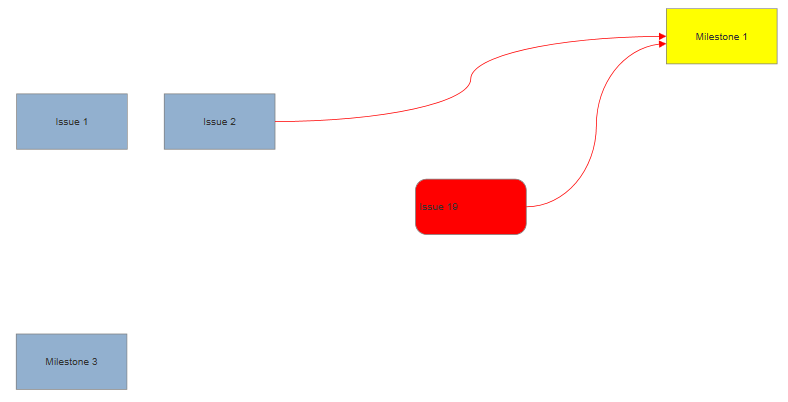
Tables serve two purposes: you can use them to divide shapes into cells for displaying information, or use them as a grid to layout multiple shapes.
The following VSON will generate a shape divided into a grid of large cells with shapes positioned in some of the cells.
{
  "Version": "1.0",
  "Template": "Flowchart",
  "McpGenerated": true,
  "KeepDocument": true,
  "Shape": {
    "ID": 1,
    "Table": {
      "Rows": 4,
      "Columns": 4,
      "RowHeight": 100,
      "ColumnWidth": 200,
      "AlternateRows": { "Color1": "#FFFFFF", "Color2": "#F4F6F8" },
      "Cell": [
        {
          "Row": 2, "Column": 2,
          "Shape": { "ID": 2, "Label": "Unicorns", "FillColor": "#3498DB", "TextColor": "#FFFFFF" }
        },
        {
          "Row": 3, "Column": 3,
          "Shape": { "ID": 3, "Label": "Dragons",  "FillColor": "#27AE60", "TextColor": "#FFFFFF" }
        }
      ]
    }
  }
}
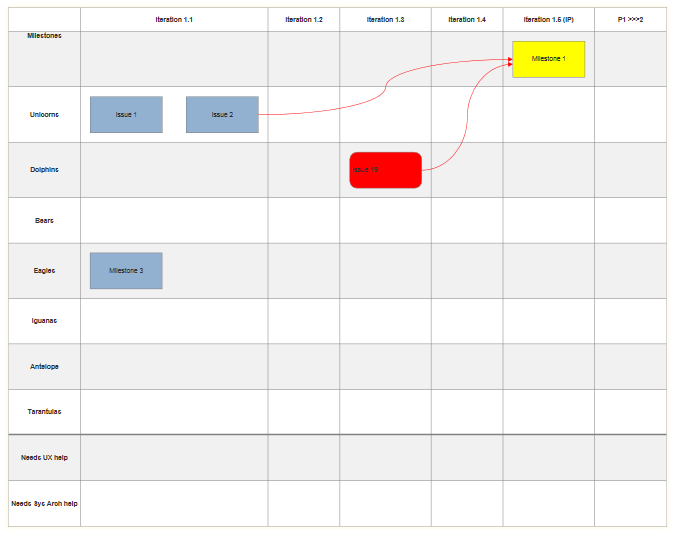
The table is defined with minimum row and column dimensions and alternating colors using a simple Table block, as shown above. Rows, Columns, RowHeight, and ColumnWidth give the grid a consistent shape; AlternateRows provides the striping.
{
                    myTable.SetColumnWidth(150).SetRowHeight(95).SetAlternateRows();
                    }
Some of the cells include a Shape object. Each cell can only contain one shape, but that shape may contain a ShapeContainer or a ShapeConnector, allowing you to place complex diagrams inside one or more cells. The cell with a shape grows to accommodate the size of the shape or shapes inside.
If you want two shapes in a single cell, put them inside a ShapeContainer and let the parent shape be "Hide": true:
{
  "Cell": [
    {
      "Row": 2, "Column": 2,
      "Shape": {
        "ID": 2,
        "Hide": true,
        "ShapeContainer": {
          "Arrangement": "Row",
          "Shapes": [
            { "ID": 4, "Label": "Choice A" },
            { "ID": 5, "Label": "Choice B" }
          ]
        }
      }
    }
  ]
}
The two shapes are actually inside a ShapeContainer inside the single shape allowed for this cell. The shape itself is hidden.
You can add shapes to cells in tables if the shape is the first shape in a VSON document, or a member of a ShapeContainer. However, they are ignored if the shape is a member of a ShapeConnector.
You can also use the "Hide" property of the first shape in a VSON document if it contains a table with shapes. This lets you arrange shapes on a grid without showing the grid itself: